Make Your Phone Case Official Links and Wiki Map
Jump to the Roblox experience, Crafty Creations group, and every major hub on this fan wiki.
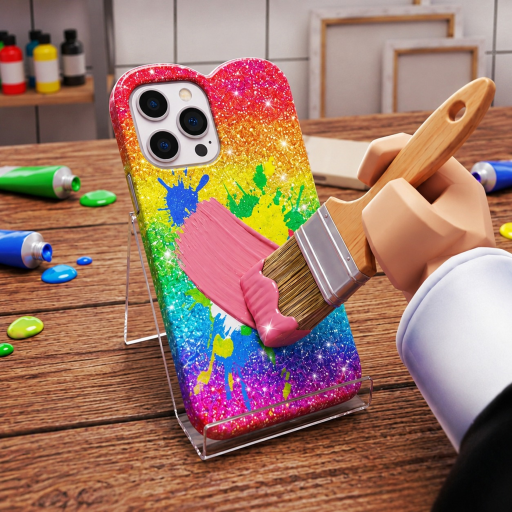
This Links Hub collects official destinations for Make Your Phone Case and a practical map of this unofficial fan wiki. Use it when you need the real game page quickly, want to join Crafty Creations!, or must hop between codes, guides, and strategy pages without hunting the nav bar.
Official Roblox links
- Play Make Your Phone Case on Roblox — official experience (place 100355158977562)
- Crafty Creations! group — publisher community (group 821391294), shouts, and social proof
Game facts for quick reference:
- Display name style: Make Your Phone Case
- Creator: Crafty Creations! (MadeByRich / Rich)
- Universe ID: 10769065052
- Genre feel: simulation / tycoon creative shop
- Max players: 6
- Price: free-to-play
- Release: 3 October 2026
- Notable update marker: 14 November 2026
Always launch from the official game link above rather than random teleport hubs when possible.
What this wiki is (and is not)
This site is a fan-made guide wiki for Make Your Phone Case. It is not an official Crafty Creations product. For announcements, trust the group shout and in-game notices first. We translate those realities into practical pages for codes, guides, tier priorities, players, updates, and scripts safety.
Wiki map — start anywhere
Codes
- Codes Hub — verified promo status (none listed yet as of Nov 2026 research)
- How to Redeem Codes — UI steps and troubleshooting
Guides
- Guides Hub — full tutorial index
- Getting Started — first-session walkthrough
- How to Design Cases — layouts that sell
- Sell and Auction — shop plus online auctions
- Caseagram Guide — posting and virality
- Hire Workers — staffing your empire
- Make Money Fast — session earning loop
Strategy
- Tier List Hub — system rankings
- Best Strategies — stage-by-stage playbooks
Meta pages
- Updates Hub — launch and patch timeline
- Players Hub — community and group join help
- Scripts Hub — safety-first script status (none verified listed)
Suggested bookmark set
If you only keep four links:
- Official game page
- Crafty Creations group
- Getting Started
- Codes Hub
Add Make Money Fast when you are past the tutorial.
How to report broken links or outdated facts
Game UIs move after patches. If a menu path in a guide no longer matches your client:
- Confirm you are on the latest version after the Updates Hub date.
- Compare with the Crafty Creations shout.
- Use nearby pages in the same category—guides cross-link on purpose.
Safety links mindset
- Redeem codes only in-game
- Never give passwords to “link verifier” sites
- Treat unknown scripts as dangerous by default (Scripts Hub)
- Prefer official group posts over anonymous comment codes
Core loop reminder
Everything on this wiki supports one fantasy: design phone cases, sell them in your shop, auction standouts, grow Caseagram fame, hire workers, and expand your empire. If a third-party link does not help that loop safely, skip it.
Thanks for playing
Whether you are here for a pink heart case tutorial, auction advice, or group join steps, start with the official Roblox links, then explore the wiki map above. Happy crafting—and may your next Caseagram post actually pull a queue.
Frequently Asked Questions
Quick answers to the most common questions.
Where do I play Make Your Phone Case?
Use the official Roblox game page for place 100355158977562—linked at the top of this page.
Is this wiki official?
No. It is a fan-made resource. For official announcements, use the Crafty Creations! group and in-game notices.
Where is the Crafty Creations group?
Roblox community 821391294. Join it for shouts about updates and future promos.
Which wiki page should beginners open first?
Getting Started, then the Guides Hub. Keep Codes Hub bookmarked for later promo drops.
Where do I find strategy rankings?
Open the Tier List Hub and Best Strategies pages for system priorities by stage.