Make Your Phone Case How to Design Phone Cases That Sell
Practical design rules for customer orders, Caseagram flair, and auction-worthy showpieces.
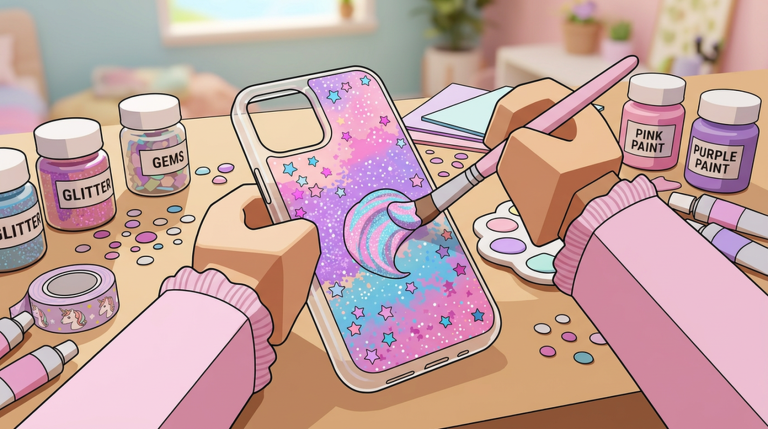
Great Make Your Phone Case runs start on the design bench. Fancy shop décor and Caseagram captions cannot save a muddy layout. This guide focuses on making cases customers actually want—whether you are filling a rush order, prepping an auction lot, or shooting for Caseagram likes.
Mindset: design for a buyer, not only for yourself
You can keep a personal art style, but paid orders win when you read the request. Treat each customer prompt like a mini brief: color mood, motif, and energy level. A speed-runner vibe wants sharp neon; a soft aesthetic fan wants pastels and hearts; a minimalist wants negative space.
If you only ever design your favorite look, half the queue will tip poorly. Build two or three reusable templates, then remix them per order.
Layout fundamentals
1. Establish a base
Pick a base color or simple gradient first. High-contrast bases make stickers pop. Low-contrast bases suit elegant minimal looks. Avoid mid-gray mud unless that is the theme.
2. Place a focal point
Every strong case needs one hero element: a heart cluster, monogram block, chrome slash, floral spray, or bold pattern tile. Put it where the eye lands first—usually the upper or center back—while respecting camera cutouts if the editor shows them.
3. Support, do not smother
Add secondary stickers at lower opacity or smaller scale. Too many equal-sized decals fight each other. Leave breathing room along edges so the case does not look stamped at random.
4. Finish with polish layers
Glitter, gloss, charms, or outline strokes come last. Polish should enhance the focal point, not hide mistakes. If the case looks busy before polish, remove stickers instead of adding sparkle.
Color recipes that sell
Try these reliable palettes while you learn:
- Pink heart / cutecore — blush base, white highlights, deep pink accents (great practice theme; see community pink-heart showcases)
- Clean mono — black/white with one accent hue for modern shoppers
- Neon night — dark base with cyan/magenta sticks for trend posts
- Pastel grocery — mint, lilac, butter yellow for soft Caseagram feeds
- Sport stripe — two-tone blocks with a simple logo mark
Rotate palettes so your Caseagram grid does not look identical every post. Variety signals a real brand.
Matching customer requests quickly
When the queue is long:
- Read tags or speech prompts first.
- Choose the closest template.
- Swap two colors and one sticker to fit the brief.
- Confirm and sell—then refine art later on a slow ticket.
Perfectionism during rush hour costs more than a slightly imperfect case. Save true showpieces for auctions and Caseagram, as covered in Sell and Auction and the Caseagram Guide.
Building a personal catalog
Keep mental (or note) categories:
- Fast sellers — 30–60 second crafts for queue clearing
- Mid premium — nicer pieces for regulars and tips
- Auction grails — high effort, trend-aware, limited vibe
Fast sellers fund materials. Grail pieces fund reputation. Mixing both is the healthy economy described in Make Money Fast.
Common design mistakes
- Covering the entire case with conflicting patterns
- Ignoring the customer color request
- Using every sticker unlocked in one design
- Forgetting contrast (yellow on white, navy on black)
- Spending five minutes on a low-tip order while three customers wait
Fix these before buying more cosmetic unlocks. Skill beats inventory depth early on.
Practice drills (10 minutes each)
Drill A — One motif, three moods. Make the same heart motif in cute, elegant, and neon versions.
Drill B — Two-color only. Restrict yourself to two colors plus white/black to learn contrast.
Drill C — Speed clear. Finish three acceptable cases as fast as possible without breaking readability.
Repeat drills after unlocks change your sticker set. New tools should expand options, not erase fundamentals.
How design feeds the rest of the loop
Higher quality cases:
- Sell faster in the shop
- Attract stronger auction bids
- Perform better on Caseagram
- Justify worker wages because throughput stays valuable
If designs stall, workers cannot save you—see Hire Workers for staffing that supports quality instead of flooding the shop with junk.
After you can design confidently
Return to Getting Started only if you skipped systems. Otherwise move into economy pages and the Best Strategies ranking to decide whether your next hour belongs on the bench, the counter, or Caseagram.
Design is the craft identity of Make Your Phone Case. Master readable, request-aware layouts and every other system gets easier.
Frequently Asked Questions
Quick answers to the most common questions.
What makes a phone case look good in this game?
A clear focal point, strong contrast, limited sticker clutter, and colors that match the customer request or your Caseagram brand.
Should I always design unique art for every customer?
No. Keep templates for speed, then tweak colors and one motif. Save fully unique pieces for auctions and featured posts.
Why do some pretty cases sell poorly?
They may ignore the customer brief, lack contrast, or take so long that tips and queue flow suffer.
How does design affect Caseagram?
Clean, themed cases photograph better as posts and help you look like a consistent brand instead of random crafts.
Where should I go after this guide?
Read Sell and Auction to monetize designs, then Caseagram Guide to market them.